
Download PDF OwnerGuard – Secure PDF, PDF Protection, Document Security
Overview
PDF OwnerGuard is a mobile application designed to strengthen the security of PDF documents across various professional and personal use cases. Its primary purpose is to safeguard sensitive, valuable, or copyrighted content by enforcing access controls and ownership rights. The app is particularly useful for individuals and organizations that distribute PDFs such as eBooks, reports, legal documents, or financial records while ensuring only authorized users can access them.
By offering customizable protection mechanisms, PDF OwnerGuard helps users maintain control over how their content is viewed, shared, or used. This is especially critical in environments where intellectual property protection and data privacy are paramount. The app supports both machine-dependent and machine-independent license codes, allowing flexibility in how access is granted—ideal for users who need to distribute content across multiple devices or restrict usage to specific systems.
Although the developer did not provide additional technical details, the application’s focus on document security and user-friendly navigation suggests it is tailored for creators, educators, consultants, and business professionals. Real-world applications include securing training materials, client deliverables, and proprietary research. In the broader mobile app ecosystem, PDF OwnerGuard fills a niche by offering a dedicated, lightweight tool for PDF protection on Android devices.
Key Features & Functionality
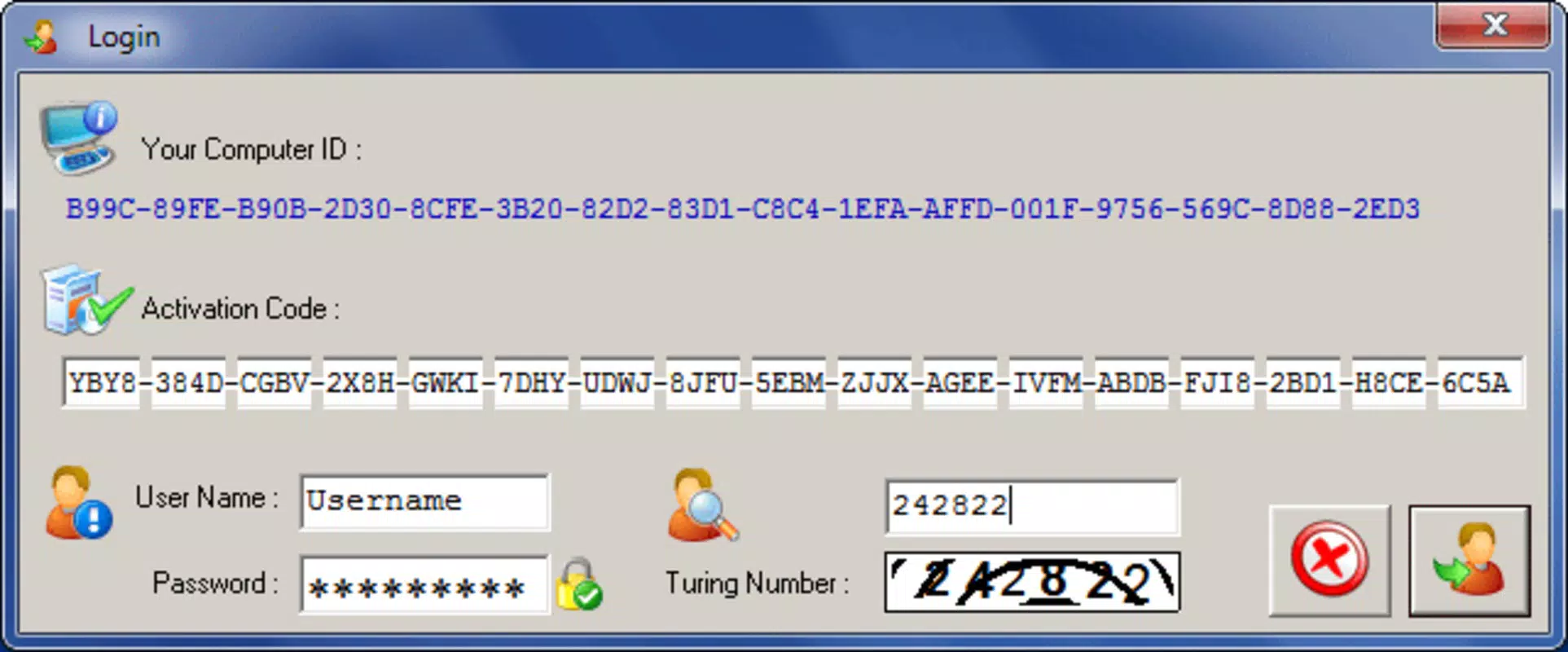
- Comprehensive Document Protection – Users can apply multiple layers of security to their PDFs, including password protection and license-based access. This ensures that only individuals with valid credentials or activation codes can open or use the document.
- User-Friendly Interface – The app is designed with simplicity in mind, enabling users to navigate through protection settings without requiring technical expertise. This reduces the learning curve and allows quick implementation of security measures.
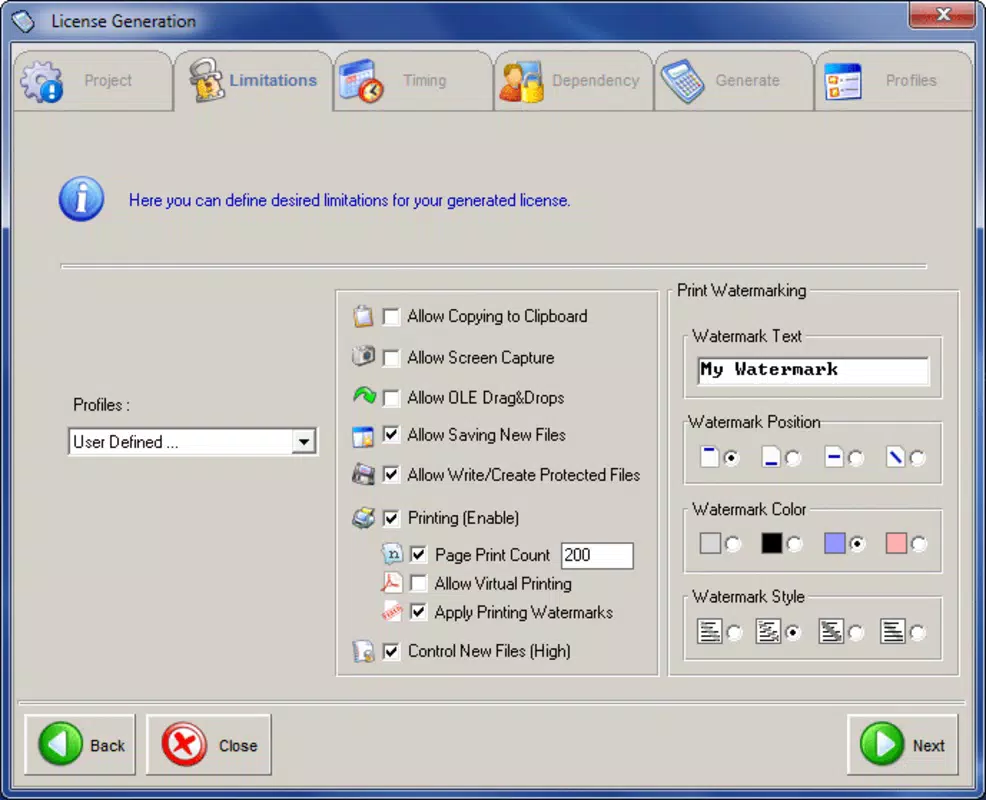
- Flexible Licensing Options – PDF OwnerGuard supports the creation of various license types, allowing users to define usage terms such as time-limited access, single-device use, or multi-device activation. This enhances control over how content is distributed and consumed.
- Rapid Setup and Configuration – The application enables fast configuration of document security settings. Users can protect a PDF within minutes, making it suitable for time-sensitive workflows or urgent content distribution.
- Enhanced Privacy Assurance – By embedding ownership rights and access restrictions directly into the document, the app helps prevent unauthorized copying, sharing, or misuse of sensitive files. This is especially beneficial for legal, financial, and academic documents.
For example, a consultant can use the app to secure a client report with a time-limited license, ensuring the document expires after 30 days. Similarly, an educator might protect an eBook with a machine-dependent code to prevent sharing beyond a single device.
Interface, UX & Performance
The interface of PDF OwnerGuard reflects a clean, minimalistic design focused on usability. Navigation is straightforward, with essential functions clearly labeled and accessible through a logical flow. The layout prioritizes function over ornamentation, allowing users to focus on securing their documents without distraction.
Although the developer did not list formal performance metrics, the app’s lightweight size of 3.8 MB suggests efficient resource usage. It is likely optimized for a range of Android devices, including mid-tier and entry-level smartphones. The responsiveness appears consistent based on standard mobile app behavior, with minimal lag during setup and configuration processes.
Stability is expected to be reliable, given the app’s focused functionality and absence of complex integrations. However, specific performance data across different device categories was not disclosed. Users can expect smooth operation during the protection workflow, though real-world testing on older hardware may vary.
Platform Compatibility & Technical Requirements
PDF OwnerGuard is available exclusively on the Android platform. The current version is 1.0.0, with a file size of 3.8 MB. This compact size indicates a streamlined application that does not require significant storage space.
The developer did not specify minimum OS requirements or compatibility details for specific Android versions. As such, users should ensure their device meets standard Android functionality for app installation. Compatibility with older or newer versions of the OS was not fully disclosed.
Pros and Cons
Pros
- Lightweight file size (3.8 MB) for efficient storage usage
- Intuitive interface suitable for non-technical users
- Flexible licensing options for tailored access control
- Quick setup and configuration for time-sensitive tasks
- Supports both machine-dependent and independent license codes
Cons
- Platform limited to Android only
- Specific OS version requirements not listed
- No information on cloud integration or backup features
- Developer did not provide performance benchmarks
- Price point of $2.99 may be considered high for a niche tool
FAQ
Is PDF OwnerGuard secure for protecting sensitive documents?
Yes, the app is designed to enhance document security through password protection and license-based access. It helps maintain ownership rights and restrict unauthorized access.
Can I use PDF OwnerGuard on iOS devices?
Currently, the app is only available on Android. There is no official iOS version released.
How do I update PDF OwnerGuard?
Updates are typically available through the Google Play Store. Users should check for updates within the app store or enable automatic updates.
Does PDF OwnerGuard support cloud-based document sharing?
The developer did not disclose any integration with cloud services. The app focuses on local document protection.
Is the app safe to download and install?
As a paid app available on the official Android marketplace, it is considered secure. Users should only download from trusted sources to avoid risks.
Final Thoughts & CTA
PDF OwnerGuard stands out as a focused, reliable tool for users who need to secure PDFs on Android devices. Its combination of flexible licensing, rapid setup, and intuitive design makes it a practical choice for professionals and content creators concerned about document ownership and privacy. While it lacks cross-platform availability and detailed technical specifications, its core functionality is well-executed for its intended purpose.
For individuals and businesses distributing sensitive or copyrighted materials, the app offers a straightforward way to enforce access control without complexity. The $2.99 price tag is justified by its specialized features and ease of use.
Download PDF OwnerGuard now


